
Translate Image in 70+ Languages
Translate Image in 70+ Languages
Translate text in one image by uploading a JPG, PNG, or WebP up to 10 MB and choosing a target language. Preview the result with translated text redrawn near its original position, then download it or fix a region in the Editor.
Drag & Drop your image here
JPG, JPEG, PNG, WebP files supported, 10 MB max.
Translating multiple images? Sign in to batch up to 20 files - Open the Batch Translator
How to translate an image
Upload an image
Choose a JPG, JPEG, PNG, or WebP file up to 10 MB. You can also upload a PDF; each page uses the document path.
Choose a language
Select the target language. Source detection is automatic by default, or you can choose the source language yourself.
Check and download
Preview the translated image, download it, or open the Editor to re-edit a region. The AI tries to match the original lettering and placement, but exact matches are not guaranteed.
Formats and limits
Image files: JPG, JPEG, PNG, or WebP, up to 10 MB each. PDF pages use the document workflow in this translator. Sign in to batch up to 20 image pages and download the finished pages as a ZIP.
Only need English? Translate a picture to English
Use Cases
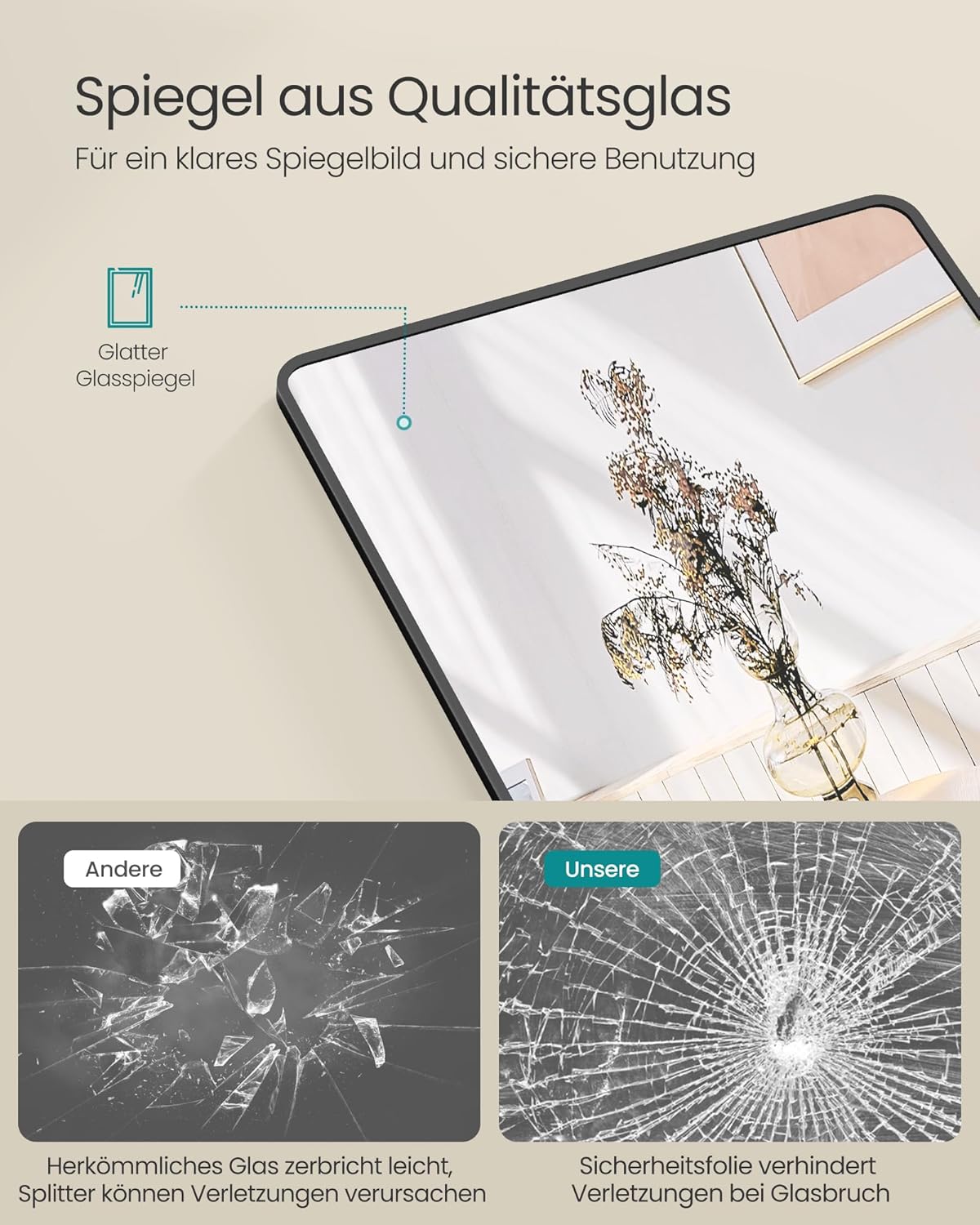
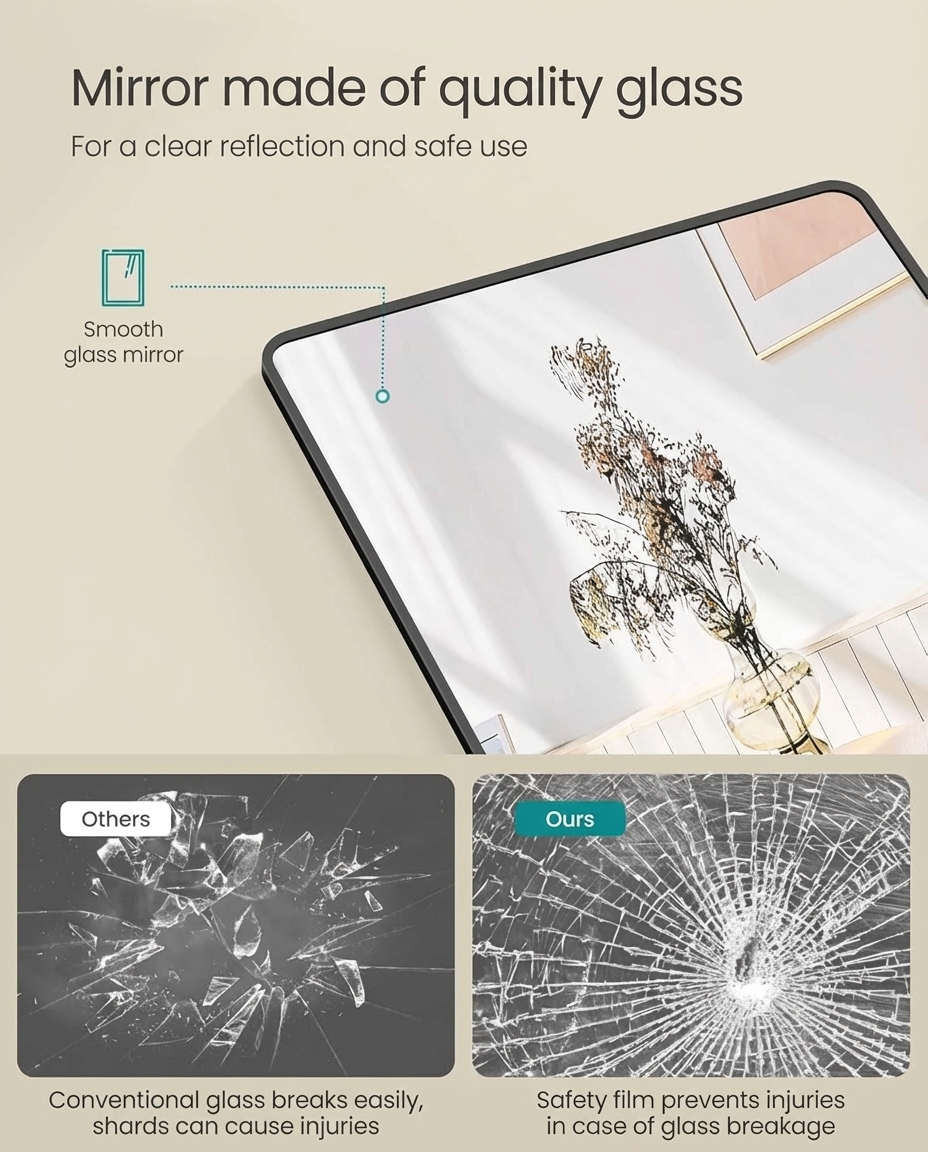
Frequently Asked Questions
Everything you need to know about TranslateImage AI